
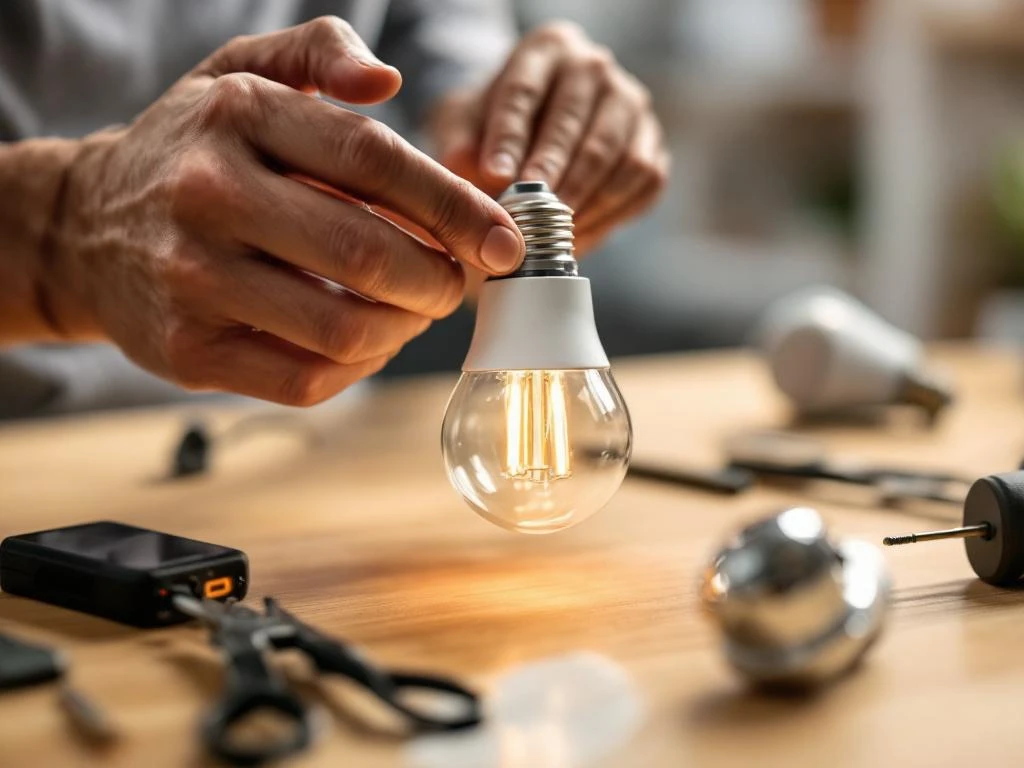
You can install most smart lights yourself without an electrician by screwing WiFi controlled bulbs into existing fixtures. This type of smart lighting only requires you to turn off the power, replace the regular bulb and connect it to your smartphone app. More advanced installations that require new wiring or luminaire replacements need professional help for safety.
What are smart lights and what types are there?
Smart lights are lights that you can control via smartphone, voice command or automatic schedules. The most common types are WiFi lights that connect directly to your home network, Bluetooth lights for neighborhood control, and Zigbee lights that require a hub but offer greater range.
WiFi lights are most popular for home automation because they work anywhere with an internet connection. You can dim the light, change the color and create schedules directly from your phone. Bluetooth variants work within 10-15 meters of the device and draw less battery from the phone.
The difference between smart bulbs and complete lighting systems is that bulbs are screwed into existing luminaires, while complete systems often require new luminaires and electrical installation. Smart bulbs are the easiest way to start with smart home technology.
What tools and preparations do I need to install smart lights?
For the installation of smart bulbs, you don't need any special tools - just a sturdy ladder or stool to reach the luminaire safely. Check that your WiFi router reaches the place where the bulb will be installed and that the signal strength is sufficient.
Key preparations include:
- Turn off the power via the fuse box, not just the wall controller
- Check that the existing luminaire is compatible with LED lamps
- Download the manufacturer's app before starting the installation
- Make sure you have the WiFi password available
- Test that the luminaire works with a normal lamp before installation
Avoid installing smart lights in humid environments such as bathrooms without checking the IP rating. Most smart bulbs are designed for dry indoor environments.
How to install smart bulbs step by step?
Installing smart bulbs follows the same process as regular bulbs with the addition that you need to connect the bulb to your app afterwards. Turn off the power completely via the fuse box and wait a few minutes for the bulb to cool down if it has been on.
Installation process:
- Unscrew the old bulb carefully clockwise
- Screw the smart light in counterclockwise until it is firmly in place
- Turn the power back on via the fuse box
- Turn on the lamp with the wall switch - it often flashes on first use
- Open the manufacturer's app and follow the instructions to add new device
- Connect the light to your WiFi network through the app
- Test basic functions like dimming and color changing
If the light is not visible in the app, try turning it off and on a few times quickly to activate the switching mode. Some lights require you to hold the wall switch for several seconds.
What are the safety risks and when should I contact an electrician?
Replacing light bulbs is generally safe, but electrical work always involves risks of electric shock or fire if done incorrectly. Contact an electrician if you need to install new fixtures, run new cables or if the existing electrical system is old and unreliable.
Signs that you need professional help:
- The luminaire sparkles or smells burnt
- You want to install smart switches instead of smart lights
- Lighting systems that require low voltage or transformers
- Installation in damp areas such as bathrooms
- Old houses with unknown or unreliable electrical installation
- You feel unsure about electrical safety
Always follow basic electrical safety rules: turn off the power completely, never use wet hands and never work with electricity in the dark. If you feel something wrong or unexpected during installation, stop and contact an electrician.
How 24 centers help with electrical installations and smart lighting
At 24 center, we offer professional electrical installations and installation of advanced smart lighting systems around the clock. Our qualified electricians handle everything from simple luminaire replacements to complete home automation systems with integrated security technology.
Our smart lighting services include:
- Installation of smart switches and dimmers
- Installation of complete lighting systems with central control
- Integration with security systems and access control
- Troubleshooting of existing smart lighting installations
- Advice on energy efficient lighting solutions
We prioritize safety in all electrical installations and follow current electrical safety regulations. Our technicians have extensive knowledge of both traditional electrical installations and modern home automation, allowing us to offer complete solutions that work reliably.
Contact us on 08 40 24 240 for immediate help with electrical installations or book online for planned lighting projects. We are available 24/7 when you need professional help with your smart home.
Frequently asked questions
Can I install smart lights in all types of luminaires?
Most smart bulbs work in standard luminaires with an E27 or E14 base, but always check that the luminaire can withstand the power and heat of the LED. Older luminaires with dimmer functions may need to be upgraded as they can interfere with the electronics of smart lamps. Avoid installation in enclosed luminaires without ventilation as this can shorten the life of the lamp.
What do I do if my smart light loses WiFi connection?
Start by checking that your WiFi router is working and that the signal strength is sufficient at the location. Restart the light by turning the power off and on 3-5 times quickly to activate the pairing mode. If the problem persists, reset the light according to the manufacturer's instructions and reconnect it via the app.
How much electricity do smart lights consume compared to regular light bulbs?
Smart LED lamps consume 80-90% less electricity than traditional incandescent lamps and last 15-25 times longer. A 9W smart bulb provides the same brightness as a 60W incandescent bulb. The WiFi function draws minimal extra power (1-2W) even when the lamp is off, so the annual cost increases by only a few dollars per lamp.
Can I use smart lights with existing wall dimmers?
Traditional wall dimmers are often incompatible with smart lights and can cause flicker, buzzing or damage to the lamp. Use the wall switch in fixed position (always on) and control the dimming via the app instead. If you want wall-mounted dimming, invest in smart switches designed for LED lights.
What are the security risks of smart lights and WiFi connectivity?
Smart lights can theoretically be vulnerable to cyberattacks, but the risk is minimal for home use. Use strong WiFi passwords, keep your lamp's firmware updated via the app and avoid connecting lamps to open networks. Most manufacturers use encrypted communication between lamp and app to protect your privacy.
How many smart lights can I connect to my WiFi network?
Most home routers can handle 20-50 smart devices, but this depends on the capacity of the router and the speed of your internet connection. Each smart light takes up one IP address on the network. If you plan on many smart devices, consider upgrading to a more powerful router or use a mesh network for better coverage.
What happens to my smart lights during a power cut?
Most smart lights remember their settings and automatically reconnect to WiFi when the power comes back on. Some models will revert to default settings (white light, full power) while others will keep the last setting. Check the manufacturer's specifications for your specific model and adjust settings in the app if necessary after extended power outages.


